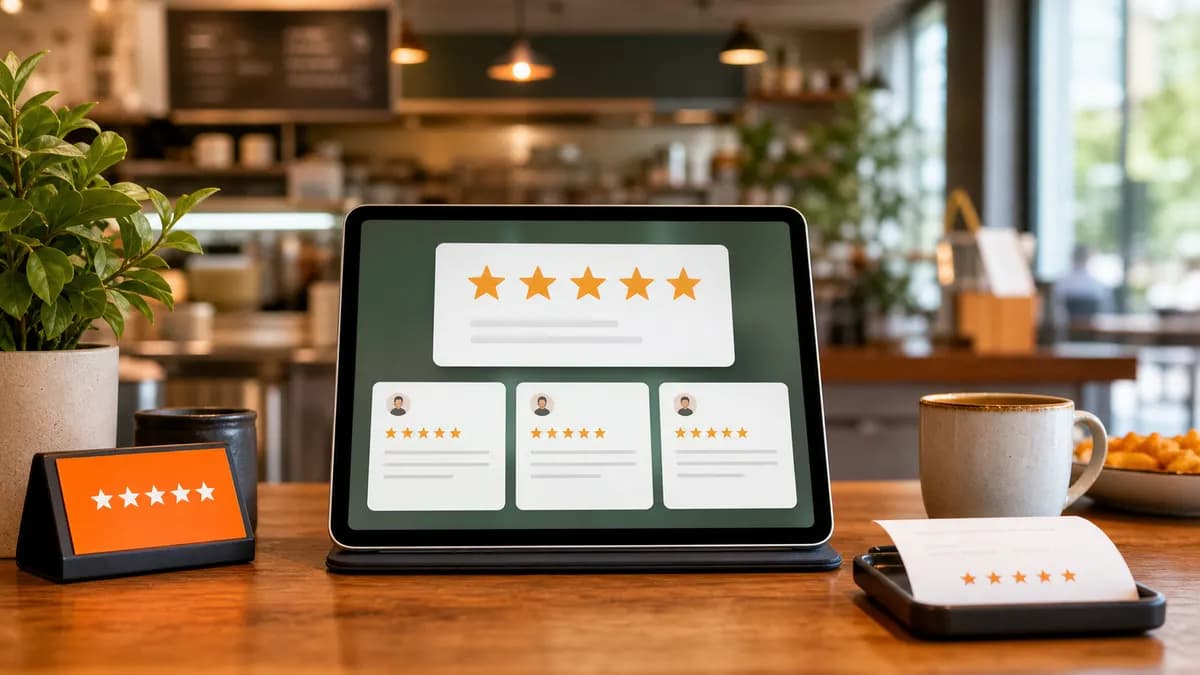
Review volume and freshness shape how much customers trust you and how prominently Google shows your restaurant. The good news: most happy guests are willing to leave a review, they just need a nudge and an easy link. Here's how to ask consistently and stay on the right side of Google's policies.
Why recent reviews matter as much as the rating
A steady stream of recent reviews signals that your restaurant is active and popular. A profile with hundreds of reviews but nothing in the last six months looks stale; one with fresh feedback every week builds trust at a glance.
Volume and recency also give prospective diners more specifics to read, and more reasons to choose you over the place next door.
The best moment to ask
Ask when the experience is fresh and positive, right after a great meal, a smooth catering delivery, or a warm thank-you from your team. The closer to the peak of the experience, the more likely the review.
- Dine-in: on the check, via a QR code on the table or receipt.
- Delivery/catering: a follow-up message an hour or two after the order lands.
- Loyal regulars: a personal ask from a manager who knows them.
Make it effortless
Every extra tap loses people. Send a direct link to your Google review form (your 'review us' short link) so a customer lands one tap away from writing. QR codes on tables, receipts, and packaging work because they remove friction entirely.
Over SMS or WhatsApp, a short message with the direct link consistently outperforms 'search for us on Google and leave a review.'
Stay within Google's rules
Getting more reviews is great; gaming them isn't, and it can get your reviews removed or your profile penalized.
- Don't offer discounts or freebies in exchange for reviews (review gating and incentives violate policy).
- Don't ask only happy customers while filtering out unhappy ones.
- Don't set up a review station that blocks negative feedback from reaching Google.
- Do ask everyone, make it easy, and let honest reviews land.
Turn replies into a flywheel
Responding to the reviews you already have encourages more. When people see an owner who reads and replies, they're more likely to add their own voice.
ZiaPilot helps on both sides: it can prompt happy customers for a review after an order, and it drafts a reply to every review that comes in across Google, Yelp, DoorDash, and Uber Eats, so the flywheel keeps turning without extra work.
Frequently asked questions
Can I offer a discount for a Google review?
No. Incentivizing reviews violates Google's policies and can get reviews removed. Ask everyone and make it easy instead, that's both effective and compliant.
What's the fastest way to ask for a review?
Send a direct link to your Google review form over SMS or WhatsApp right after a positive experience, or put a QR code on receipts and tables so it's one tap away.
How many reviews should a restaurant aim for?
There's no magic number, focus on a steady, recent flow rather than a one-time push. Consistent fresh reviews beat a big batch that then goes quiet.
ZiaPilot AI
Let AI handle the messages and the reviews
ZiaPilot answers customers on your website and WhatsApp and drafts replies for every review. Create a Free account, then activate the optional 7-day Pro trial from your dashboard. No card needed.
Keep reading
Reviews
How to Respond to Negative Google Reviews (with Templates)
A calm, specific reply can turn a one-star rant into a returning guest. Here's the framework, plus copy-paste templates.
June 18, 2026 · 6 min read
Reviews
How to Reply to DoorDash Reviews and Uber Eats Reviews
Marketplace ratings quietly decide how often you show up in the app. Here's how to manage reviews on DoorDash and Uber Eats without drowning in tabs.
June 5, 2026 · 5 min read