Reviews
How to Respond to Negative Google Reviews (with Templates)
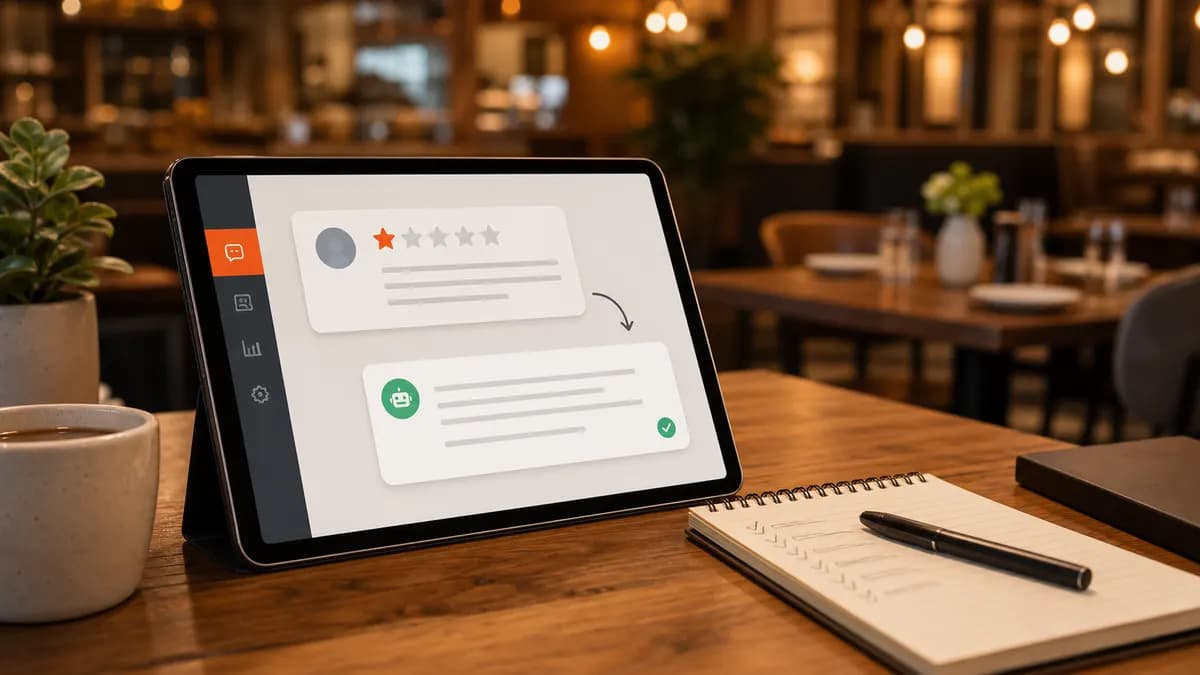
Most diners read reviews before they ever walk in, and they read your replies just as closely. A thoughtful response to a negative Google review does more than soothe one upset guest; it shows every future reader that you take service seriously. This guide gives you a repeatable framework and ready-to-use templates.
Why responding matters more than the rating itself
Prospective customers don't expect a perfect five stars, they expect to see how you handle problems. A public, professional reply signals accountability to the dozens of people who read that review after the original reviewer has moved on.
Google has also confirmed that engaging with reviews is part of a healthy Business Profile. Active, on-topic responses keep your listing fresh and give you a natural place to mention your location and what you do.
The 5-part framework for any negative review
Whether the complaint is fair or not, the same structure works. Keep it short, three to five sentences is plenty.
- Thank them for the feedback, by name where possible.
- Acknowledge the specific issue so they feel heard.
- Apologize without making excuses or arguing the facts in public.
- Explain the fix or what you've changed, briefly.
- Invite them back, and move the details off-platform (a direct email or phone number).
Templates you can adapt
Missing or wrong item: "Thanks for letting us know, [Name], and we're sorry the order wasn't complete. That's on us, we've reviewed it with our packing team. We'd love to make it right; please email us at [email] so we can take care of you directly."
Slow service on a busy night: "We appreciate the honest feedback, [Name]. You're right that the wait was longer than it should have been on Saturday, and we've adjusted staffing for peak hours. We hope you'll give us another chance, your next visit is on us if you reach out at [email]."
Food quality: "Thank you for telling us, [Name]. The dish you described isn't the standard we hold ourselves to, and we've spoken with the kitchen. We'd genuinely like to win you back, please contact us at [phone] and ask for the manager."
What not to do
- Don't argue the facts or call the reviewer a liar, future readers side with the calm party.
- Don't paste the same generic line on every review; it reads as automated and uncaring.
- Don't share private details (order numbers, the guest's full name) in a public reply.
- Don't wait a week. Aim to respond within 24–48 hours while it's still visible and relevant.
How to keep up when the reviews pile up
The hard part isn't writing one good reply, it's writing every reply, across every platform, every week. That's where most restaurants fall behind.
ZiaPilot watches Google, Yelp, DoorDash, and Uber Eats in one inbox and drafts a specific, on-brand reply for each review. Your team approves or tweaks it in seconds, so 100% of reviews get a response without anyone living in five different apps.
Frequently asked questions
Should restaurants respond to every Google review, even positive ones?
Yes. A quick thank-you on positive reviews reinforces what guests loved and shows the listing is active. Negative reviews are higher priority, but responding to both is ideal.
How fast should I respond to a negative review?
Within 24–48 hours. A prompt, calm response limits the damage while the review is still being read and shows you're paying attention.
Can I get a fake or unfair Google review removed?
You can flag reviews that violate Google's policies (spam, conflicts of interest, off-topic content), but removal isn't guaranteed. In the meantime, a professional public reply protects your reputation with future readers.
ZiaPilot AI
Let AI handle the messages and the reviews
ZiaPilot answers customers on your website and WhatsApp and drafts replies for every review. Create a Free account, then activate the optional 7-day Pro trial from your dashboard. No card needed.
Keep reading
Reviews
How to Reply to DoorDash Reviews and Uber Eats Reviews
Marketplace ratings quietly decide how often you show up in the app. Here's how to manage reviews on DoorDash and Uber Eats without drowning in tabs.
June 5, 2026 · 5 min read
Catering
Catering Inquiry Response Templates That Win More Orders
Catering buyers book whoever replies first with a clear answer. These templates help you respond fast and capture every detail you need to quote.
May 28, 2026 · 8 min read