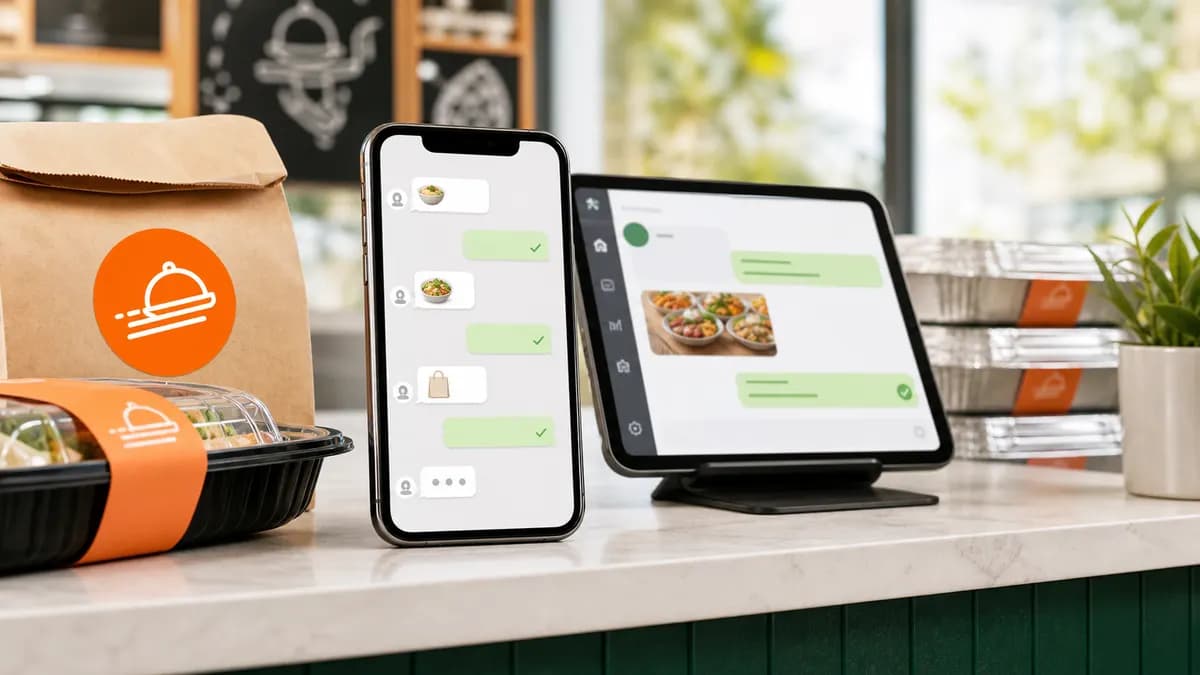
For a huge share of customers, especially for catering and large group orders, WhatsApp is the default. They'd rather send a message than fill in a form or sit on hold. The problem is that an unmanaged WhatsApp line means missed messages, slow replies, and details lost in long threads. Here's how to run WhatsApp as a real ordering channel.
Why WhatsApp wins for restaurant orders
Catering buyers comparison-shop by messaging several restaurants at once, the first to reply with a clear answer usually wins the booking. WhatsApp's read receipts and instant delivery make it the fastest place to be that first reply.
It's also where the conversation already happens: questions about trays, dietary options, delivery, and pricing flow naturally in chat, which means you capture intent you'd lose to a static contact form.
WhatsApp Business app vs. the Cloud API
There are two ways to run WhatsApp for a business, and the right one depends on volume:
- WhatsApp Business app: free, runs on a phone, fine for a single location with light volume. Limited automation and no real multi-agent inbox.
- WhatsApp Cloud API: built for scale, multiple agents, automation, chatbots, and integration with your other tools. This is what you want if orders and inquiries are steady or you run more than one location.
An AI ordering assistant connects through the Cloud API (or a compatible gateway) so it can reply automatically and hand off to a human when needed.
Step-by-step: set up WhatsApp ordering
- Use your existing business number, customers message the line they already know.
- Choose Business app for light volume or Cloud API if you want automation and multiple agents.
- Write a clear greeting and your hours, and pin your menu or a catering packages link.
- Decide what gets automated (menu, prices, availability, capturing event details) and what a human handles (final quotes, special requests).
- Add an AI assistant so messages get an instant reply day or night, then alert your team when an order is ready to close.
Where automation pays off
The goal isn't to remove the human, it's to make sure no message waits. An AI assistant answers the repetitive questions ("do you cater for 40?", "what's the price per person?") and quietly collects the event date, guest count, and contact details.
When the inquiry is qualified, your team gets pinged with the full brief and takes over in one tap. Customers feel looked after; staff stop living on their phones.
Common mistakes to avoid
- Using a personal number you can't share across the team, orders get stuck with one person.
- Leaving messages unanswered after hours, which is exactly when many catering inquiries arrive.
- Quoting prices from memory instead of a single, current menu, leading to inconsistent numbers.
- No record of the conversation, so the next staffer starts from scratch.
Frequently asked questions
Do I need a separate phone number for WhatsApp ordering?
No. You can use your existing business number. An AI assistant connects to that same line, so customers message the number they already have.
Can a chatbot take WhatsApp orders without losing the personal touch?
Yes. A good setup automates routine questions and detail capture, then hands off to a human to finalize. Customers get instant replies and still talk to a person when it matters.
Is WhatsApp good for catering inquiries specifically?
It's one of the best channels for catering. Buyers ask detailed questions and compare vendors in chat, so fast, accurate replies directly win more bookings.
ZiaPilot AI
Let AI handle the messages and the reviews
ZiaPilot answers customers on your website and WhatsApp and drafts replies for every review. Create a Free account, then activate the optional 7-day Pro trial from your dashboard. No card needed.
Keep reading
Catering
Catering Inquiry Response Templates That Win More Orders
Catering buyers book whoever replies first with a clear answer. These templates help you respond fast and capture every detail you need to quote.
May 28, 2026 · 8 min read
Reviews
How to Respond to Negative Google Reviews (with Templates)
A calm, specific reply can turn a one-star rant into a returning guest. Here's the framework, plus copy-paste templates.
June 18, 2026 · 6 min read